
Keep one fixed set of reference images, send all of them with every new image, name one of them as the ground truth for the face, describe only what changes in the scene, and check each result against the references, retaking the ones that drift. A seed, a longer prompt or a famous lookalike won't hold a face on its own.
Why faces drift
An image model doesn't remember a person. Every image is drawn from scratch, and a description like "dark wavy hair, thick eyebrows" fits thousands of faces. Change the light, the angle or the expression and the model fills the gaps differently: the jaw softens, the nose narrows, the age shifts by five years. Ask for the same person twice and you get a cousin.
1. Make a reference sheet before anything else
Fix the face once, in conditions that hide nothing: a front portrait, a three-quarter view and a full-body shot, in flat daylight, plain clothes, plain background. Generate the two extra views from the portrait, not from each other; chaining them lets small errors compound.
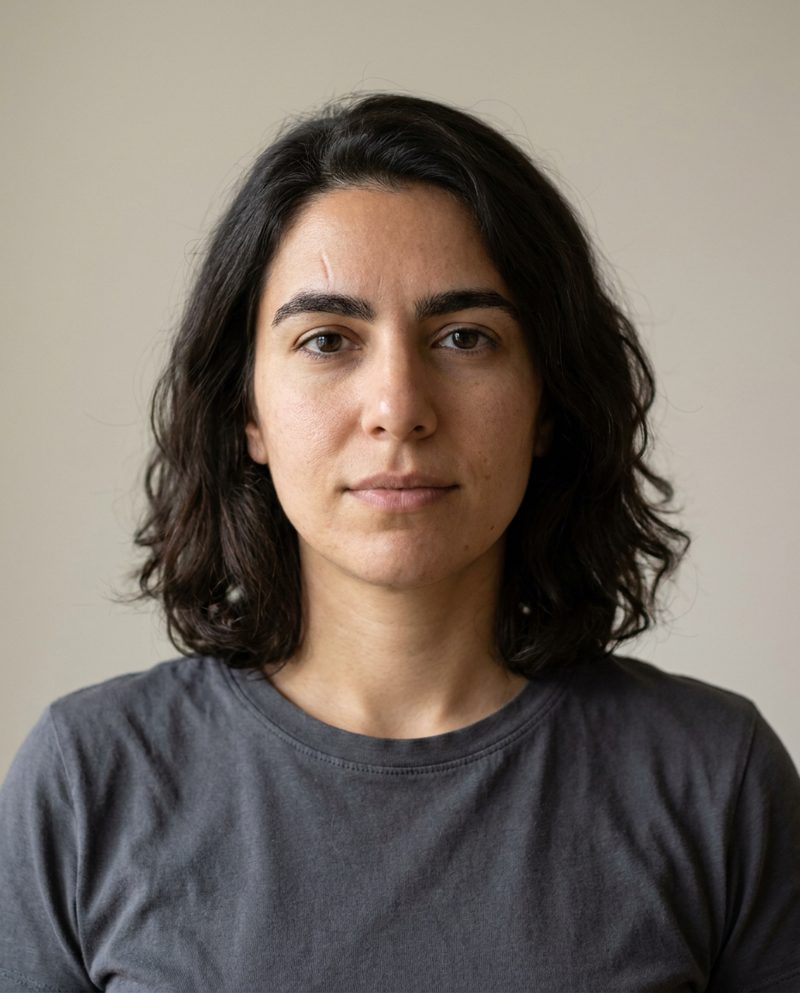
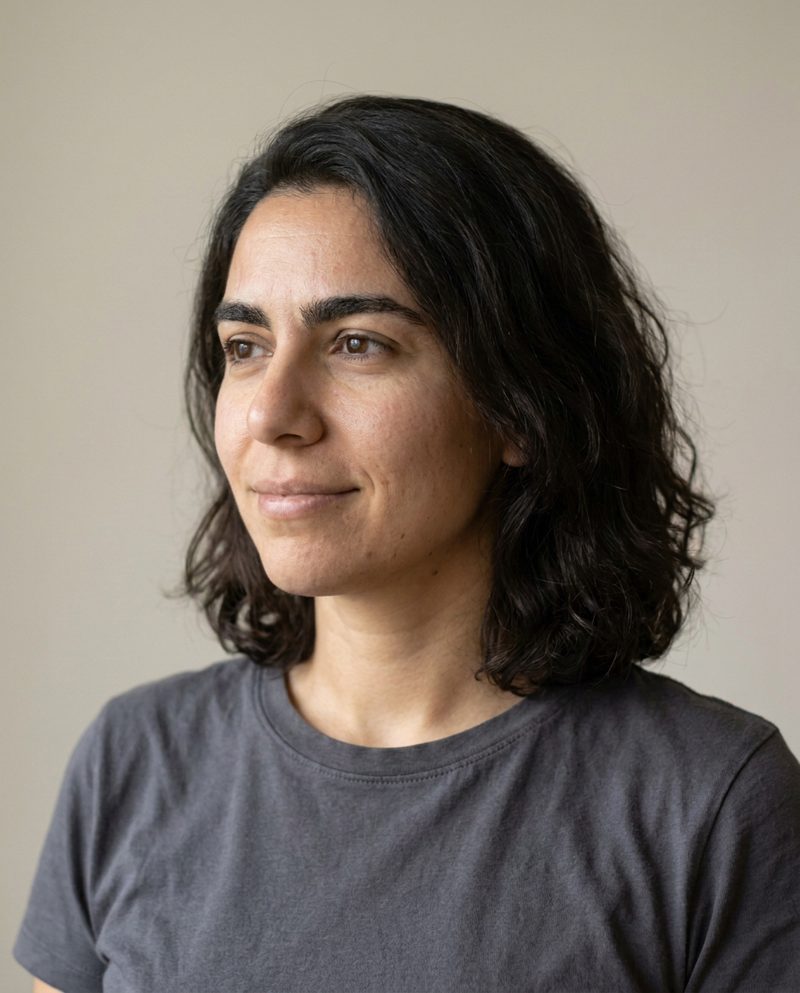
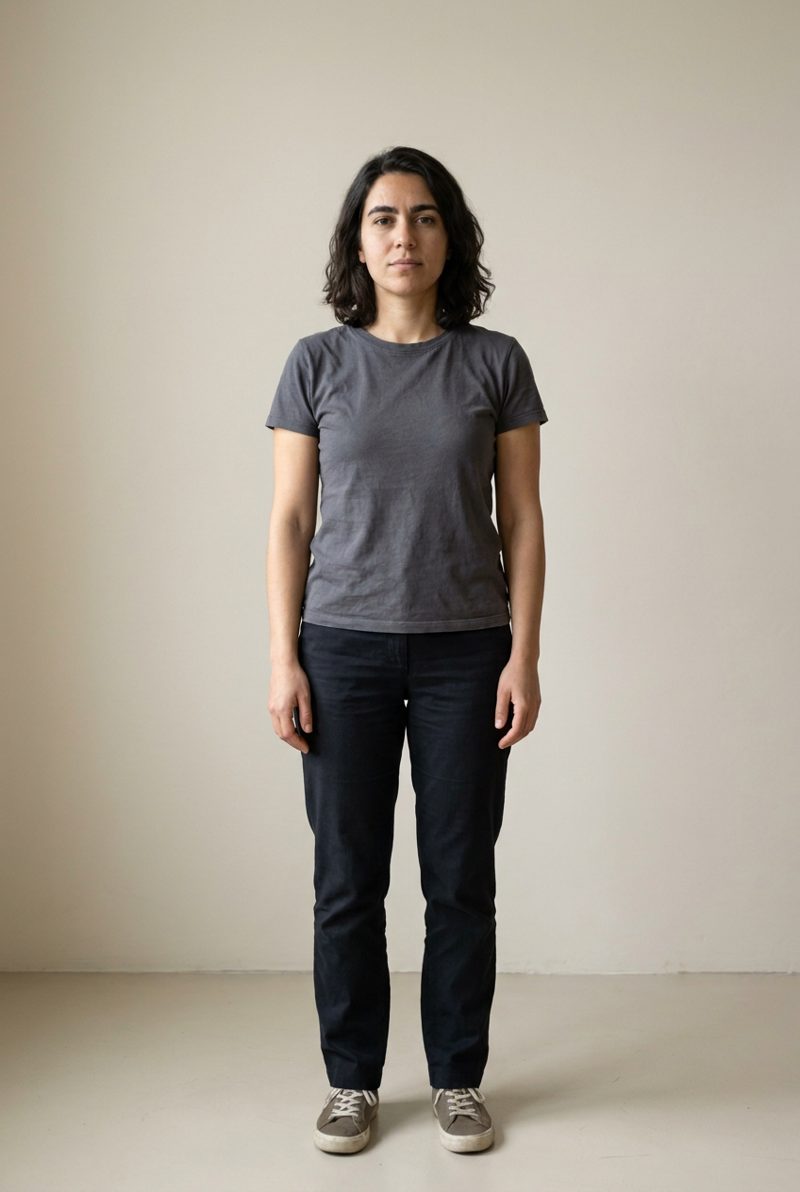
2. Send every reference, every time
Attach all the reference frames to each new image and say which one rules the face, usually the front portrait. The other frames carry hair, build and proportions. One reference gives the model one angle to extrapolate from; three give it something to triangulate.
3. Split the person from the scene
Write the prompt in two parts. The first says what never changes: face, hair, skin, marks. The second is the scene: place, time of day, light source and direction, what the hands are doing, the clothes. Clothing should follow the scene; the face shouldn't.
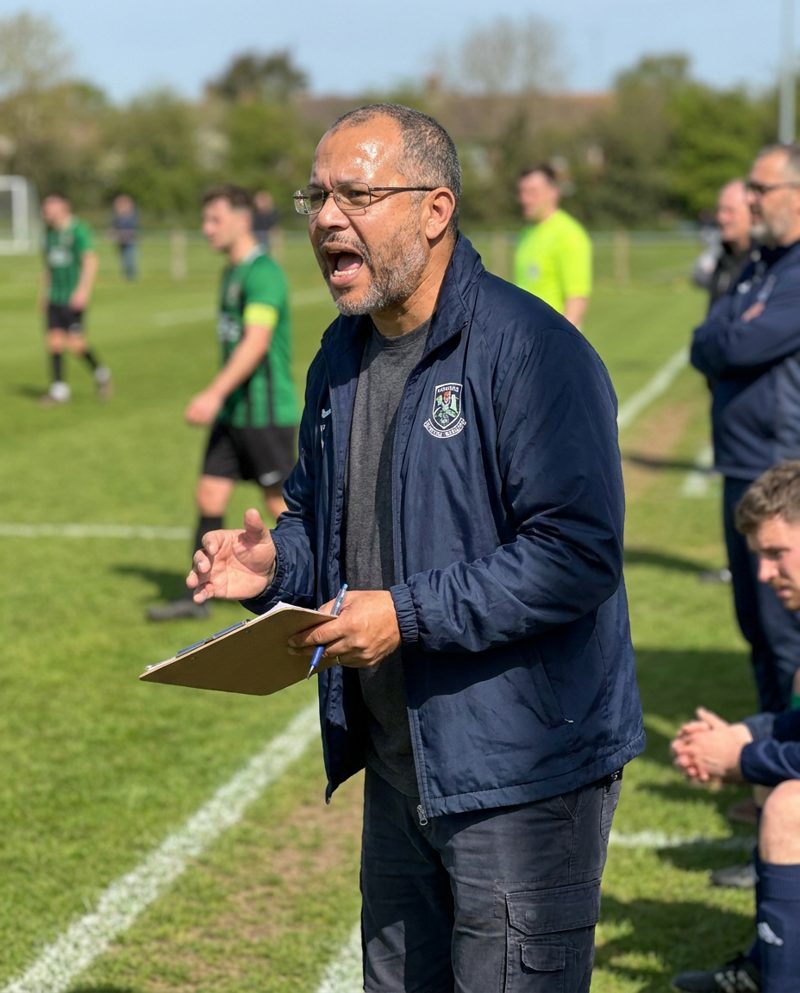
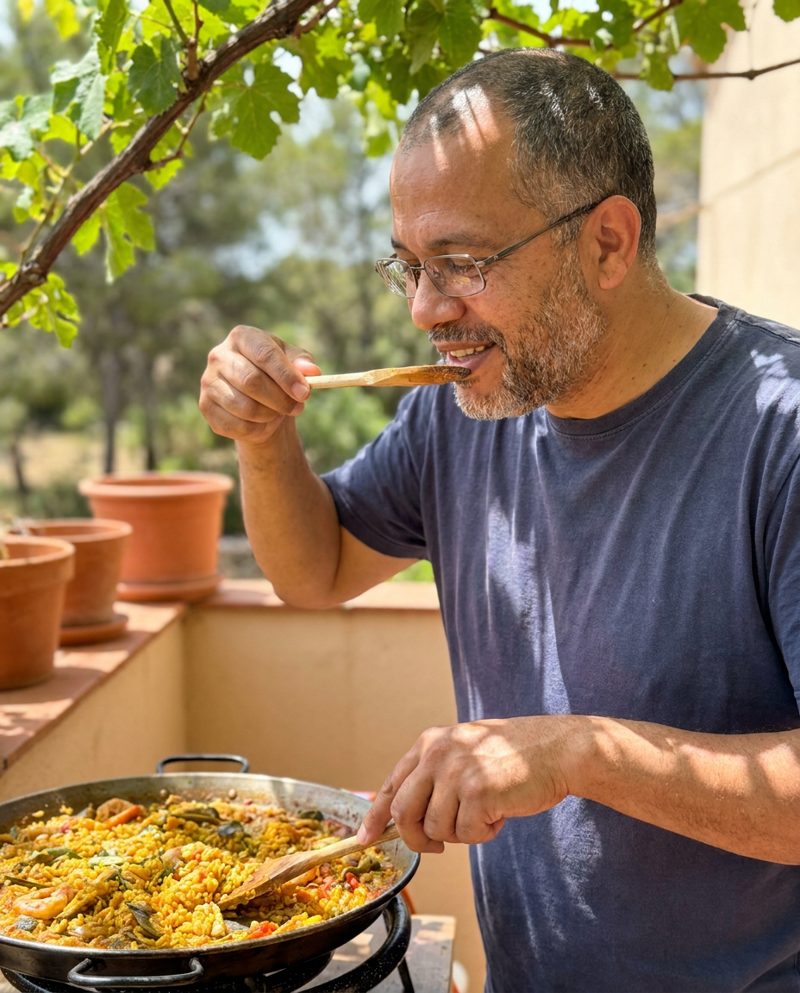
4. Check every result, and retake
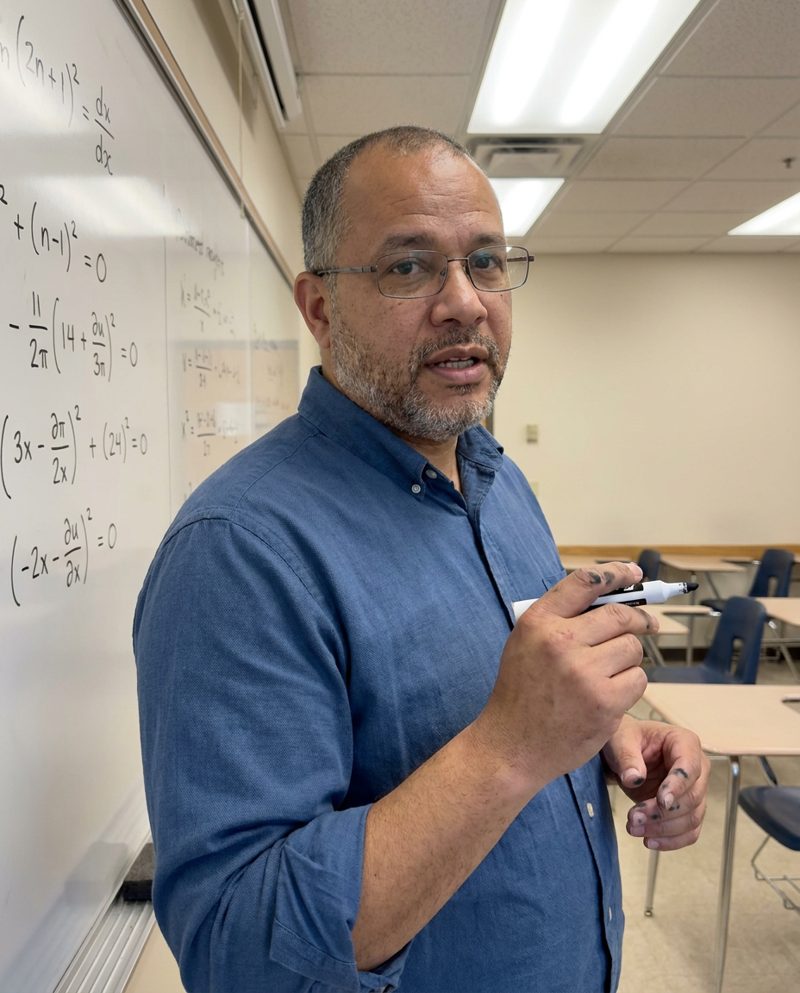
Even with good references, some takes drift. Compare each new image with the sheet on two things: is it the same person, and does it pass as a real photo (no plastic skin, no broken hands)? Score the lower of the two, and retake anything below your bar. Dittoshot does this with a second model: a photo passes at 7 out of 10, gets up to three takes, and you keep the best one, for 5 tokens whatever it took.
5. What still goes wrong
From our own examples, unedited:
- Left and right get mirrored. Mira's description says "scar above the left eyebrow" and Aiko's says "silver hoop in her right ear". In both sheets the mark landed on the left or right of the picture, not of the person. If the side matters, check the sheet and treat what it shows as canon.
- Text sneaks in. The prompt asks for no visible text, and one of Mira's photos still has a "café" sign. Negative instructions lower the odds; they don't remove them.
- Small marks shrink with distance. A scar or freckles that read clearly in a portrait can vanish in a full-body shot. Pick anchors that survive distance, like glasses, a beard or a haircut, if the face will often be small in frame.
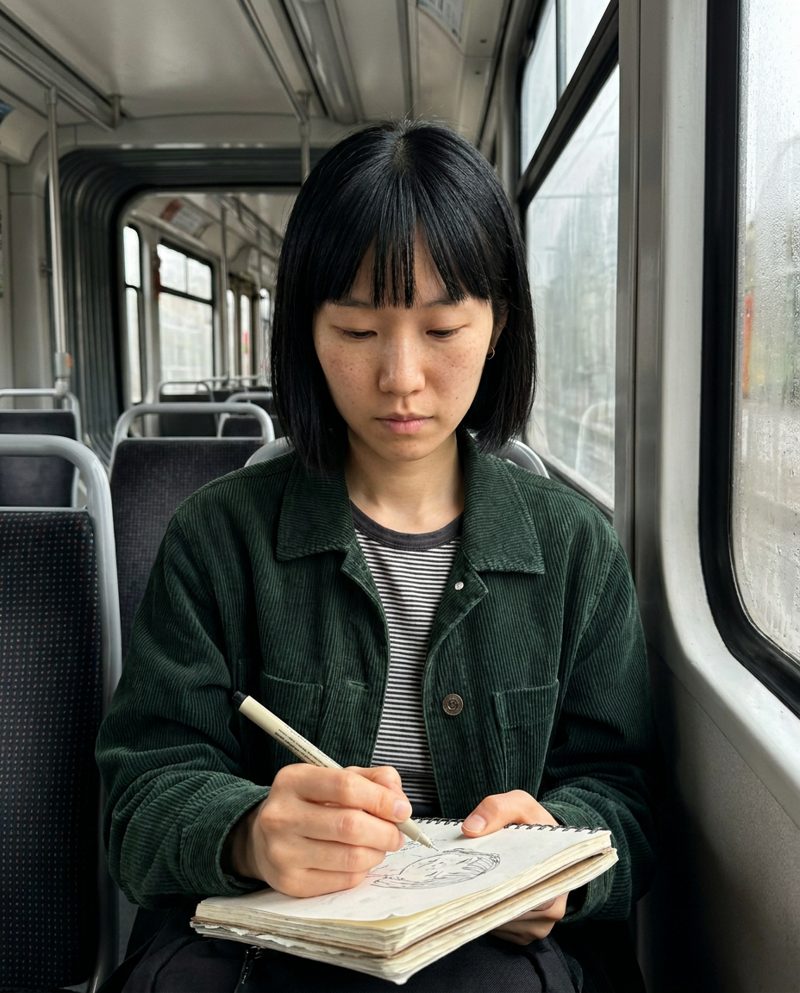
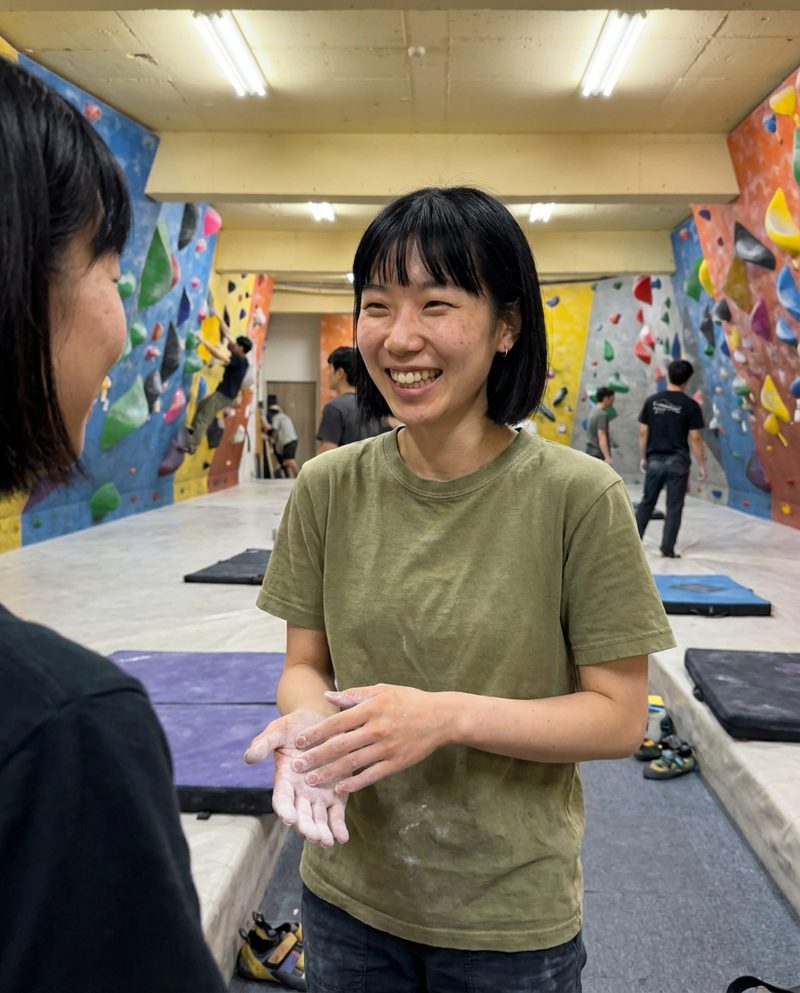
Doing it in other tools
The same method works anywhere you can attach reference images; only the controls differ.
- Midjourney V8.2: the Edit Model takes up to 4 reference images and replaced Omni Reference and --cref. See Dittoshot vs Midjourney.
- Leonardo AI: Omni models such as Nano Banana take up to 6 references. See Dittoshot vs Leonardo.
- Higgsfield Soul ID trains on 20 or more photos of a real person; OpenArt Characters start from an image, text or presets. See Higgsfield and OpenArt.
None of them describes an automatic identity check, so step 4 is on you. Dittoshot does all five steps from a written description; your first person and their first photo are free.